
 Focal · Mac viewer
One fast Mac viewer, where you are looking.
Focal replaces Preview and QuickTime Player with one fast, native viewer for pictures, PDFs, 3D models, movies and text. Each window opens centred on your main display, not at the far left of the screen.
Free download
What Focal is
Preview opens every window at the far left of the screen, which on a 40-inch ultrawide means turning your head for every file. Focal was built to fix that, and grew into a full replacement for Preview and QuickTime Player.
It is native: Swift and AppKit, no Electron, no web views except for rendered Markdown, and nothing running in the background.
What it does
Windows where you look
Centred on the main display, on the display with the pointer, or where you last left one.
Pictures
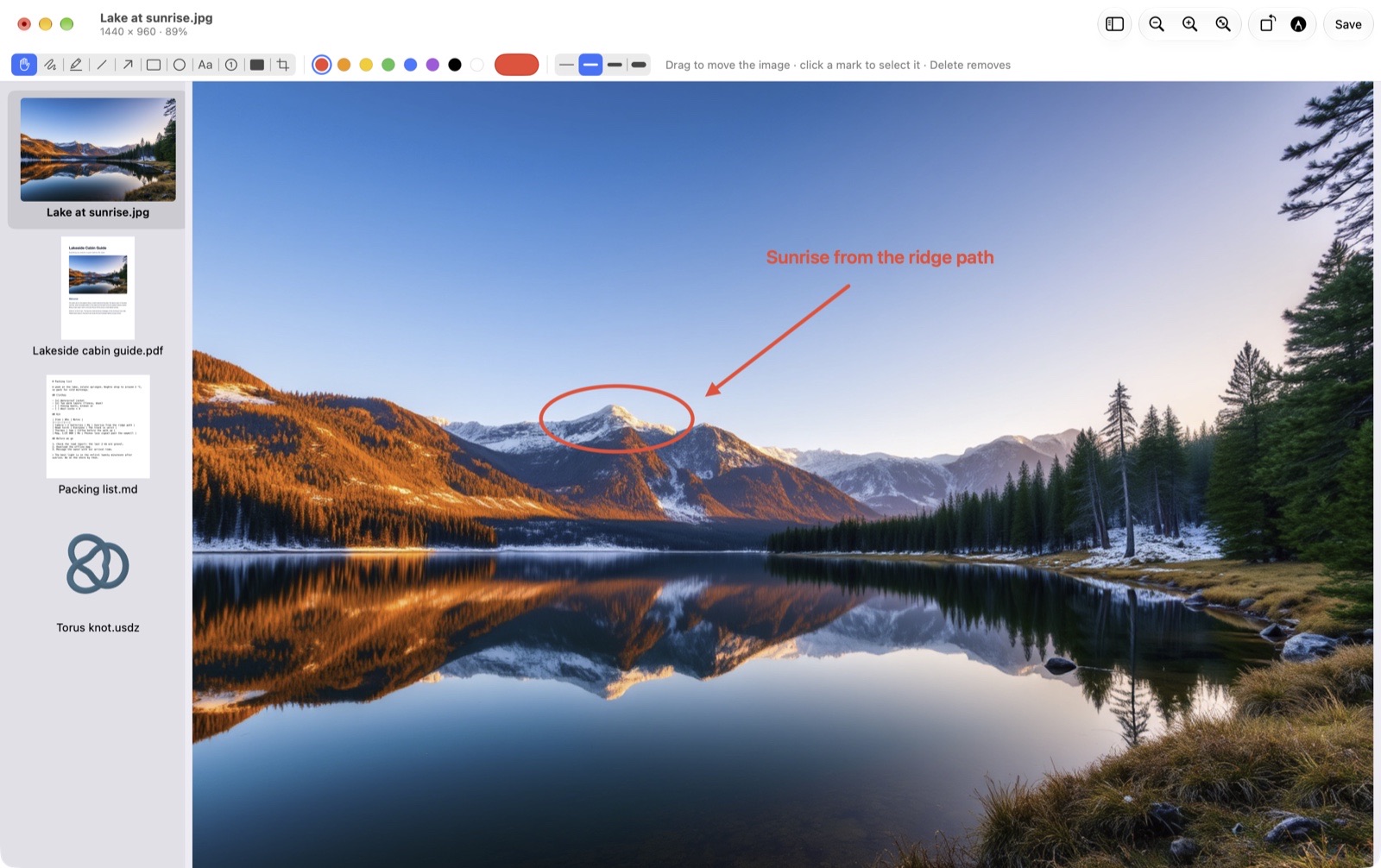
JPEG to RAW, EXR and SVG: zoom at the pointer, drag to pan, mark up, save in place.
PDFs
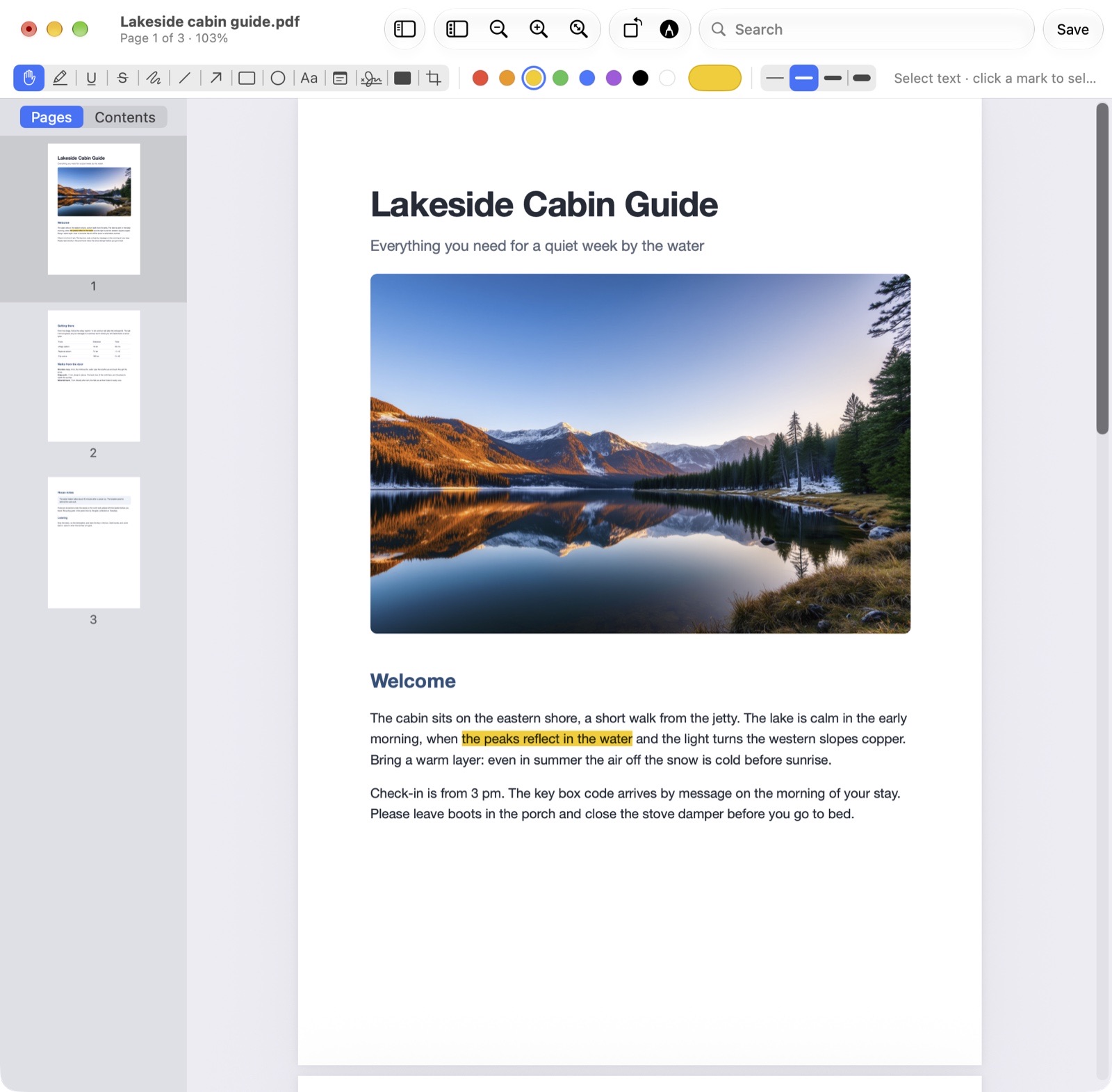
Thumbnails you can reorder, search, highlight, signatures, forms, and redaction that really removes the text.
Movies
Hardware decoding and HDR, trim without re-encoding, loop, copy a frame.
Text and Markdown
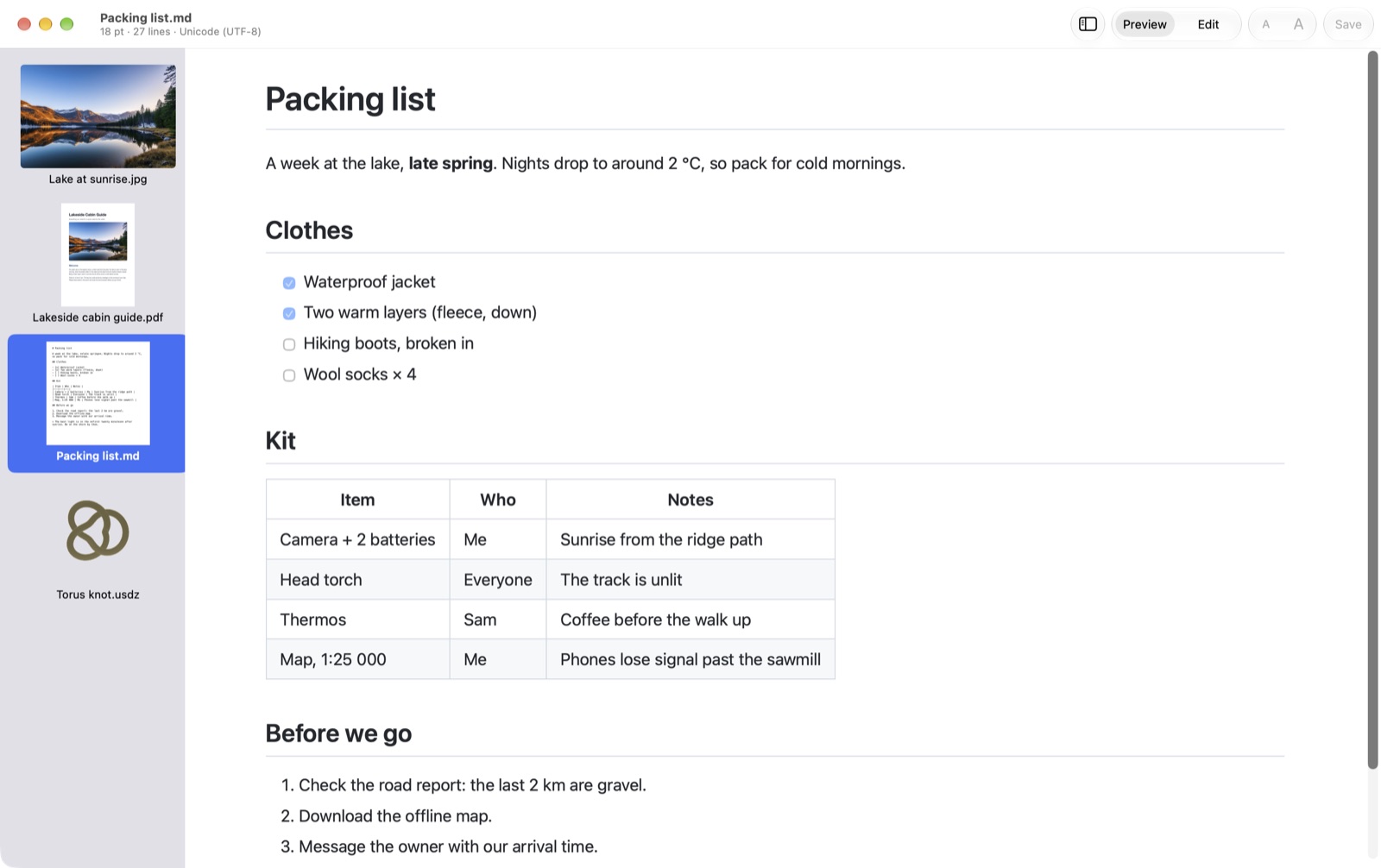
Markdown opens rendered with an Edit mode; RTF editing.
3D models
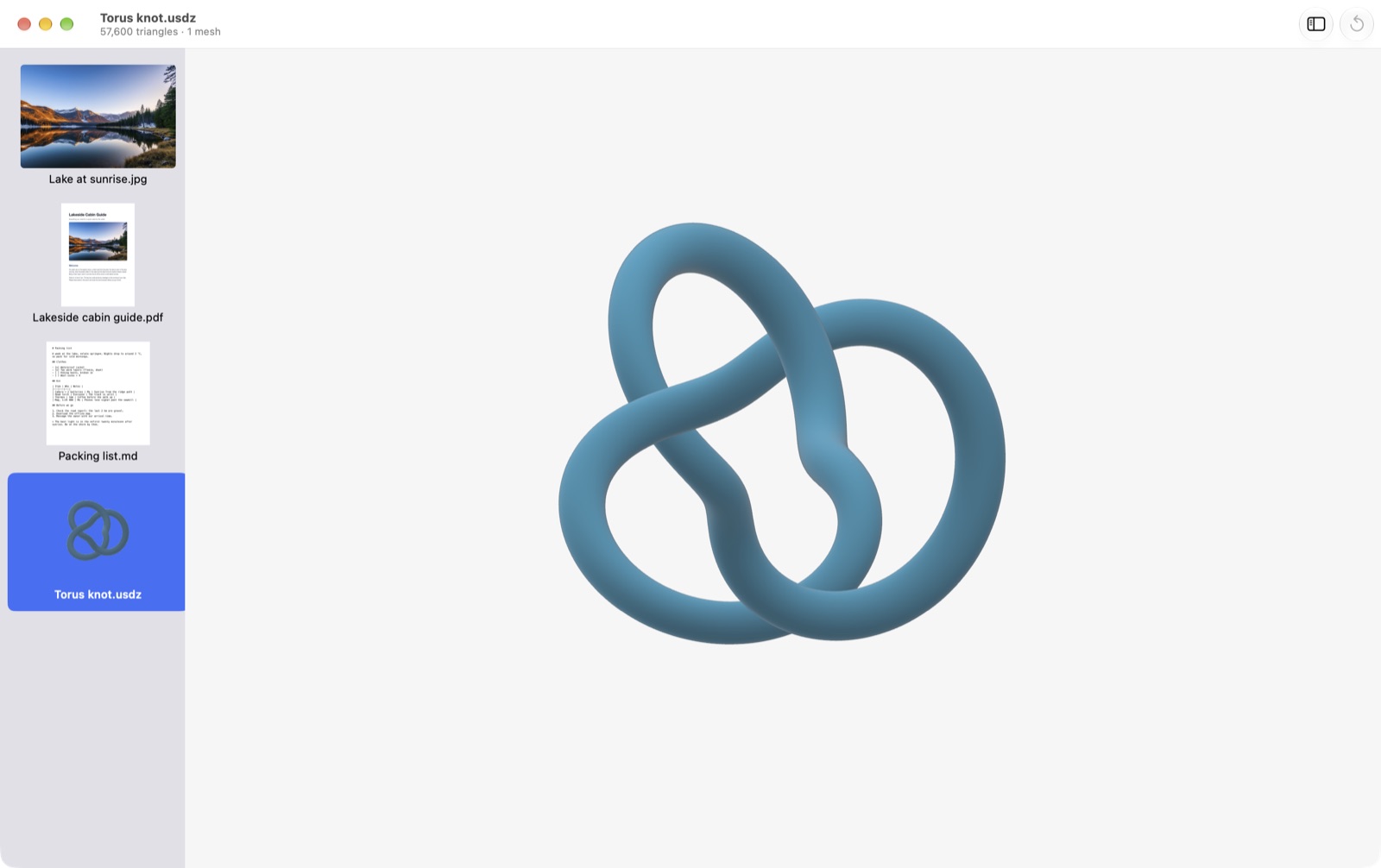
USDZ, glTF, OBJ, STL and more: orbit, zoom, animations play.
Whole folders
Browse a folder in one window, or open many files with a thumbnail sidebar.
Inside Focal
Where it stands today
Requirements
- macOS 27 or later, Apple silicon.
- A signed, notarised download; not on the App Store.
Licence
- Free to use, change and share, but not to sell (MIT with the Commons Clause).
- By Darren Goldsborough, founder of AiBizzApps.